
Hold the next phase until a required decision is recorded.
Product capabilities
One system runs delivery.
See client context, process, schedules, and daily work in one operating view.
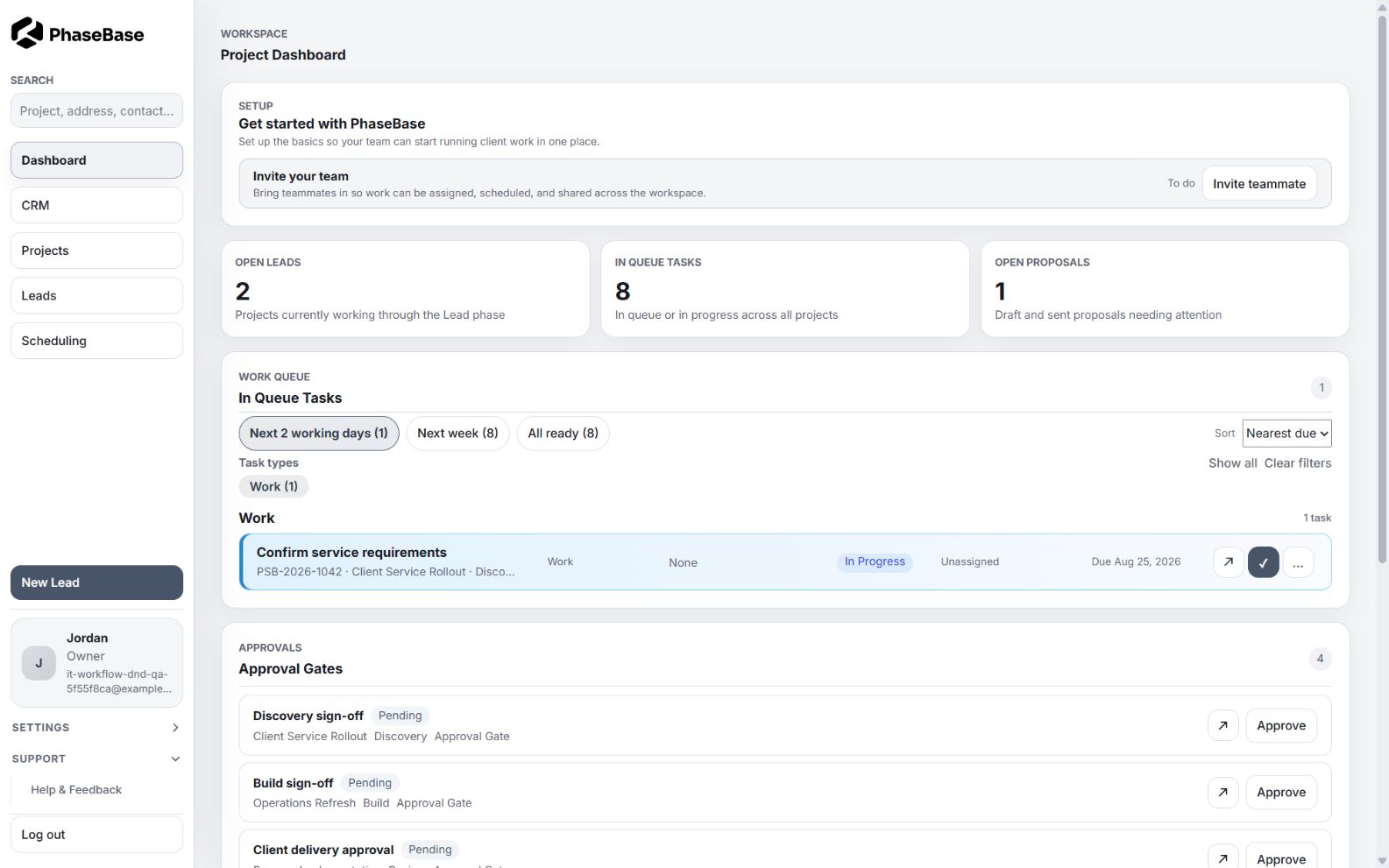
Inside PhaseBase
Follow the work through the product.
Every view carries the same client, project, process, and timing context forward.
From project state to next action
See the operation, then act on it.
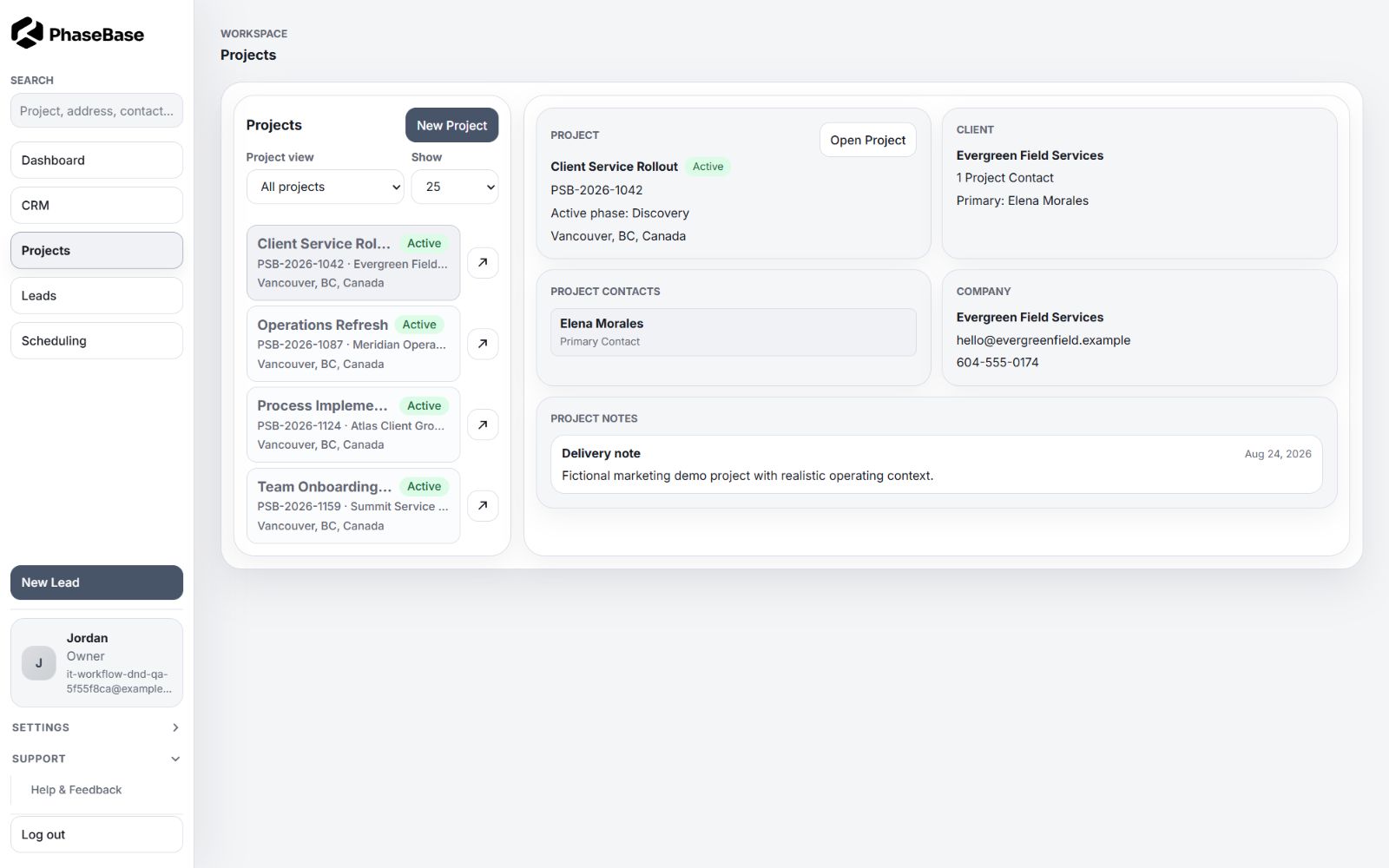
Projects, phases, ready tasks, timelines, and approval gates stay visible as one connected operating picture.
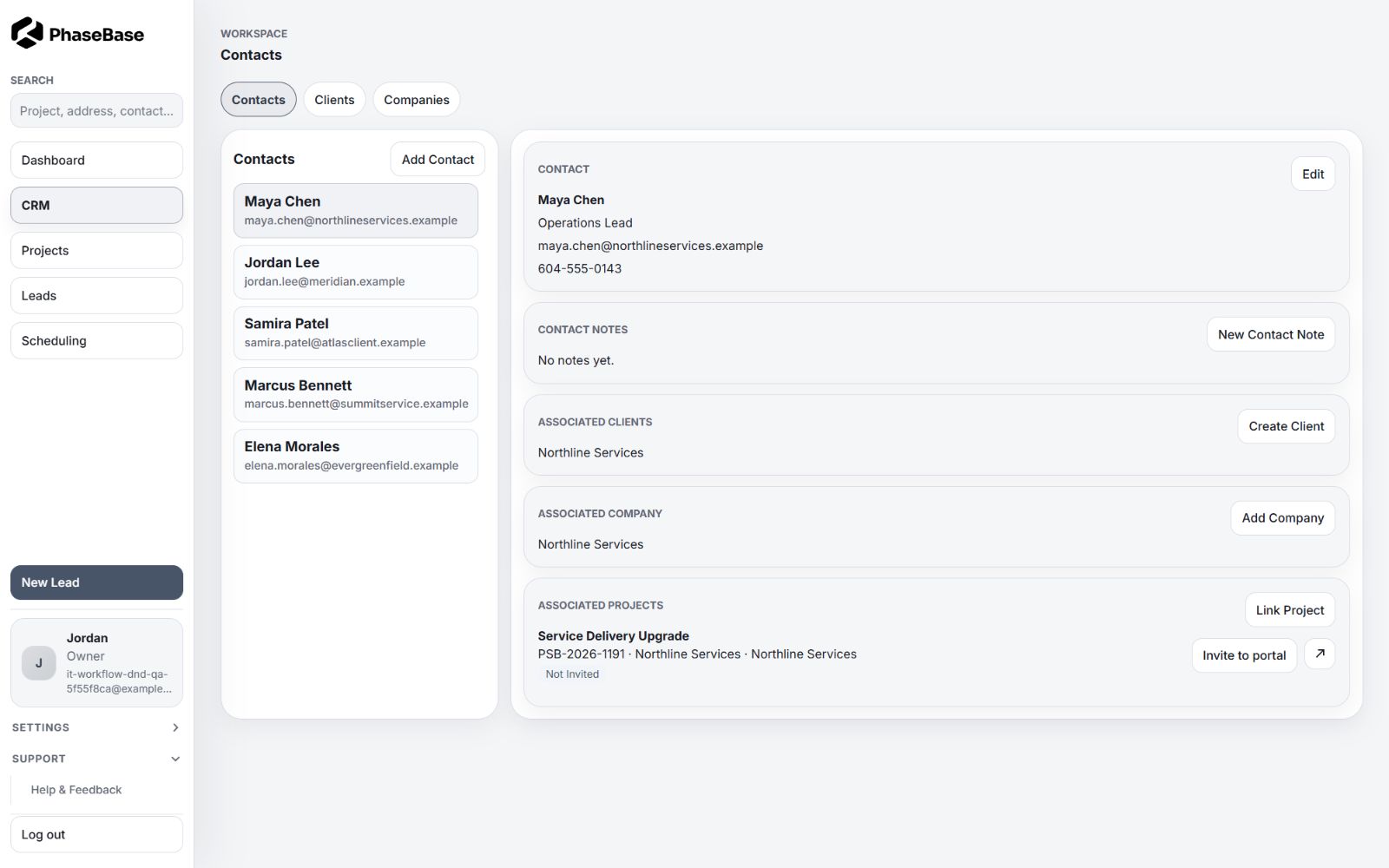
01 / Client context
CRM records that stay connected to delivery.
Keep contacts, clients, companies, notes, leads, and related projects together, from first conversation through delivery.
- Contacts, clients, and companies
- Lead and pre-sale project views
- Associated projects and contacts
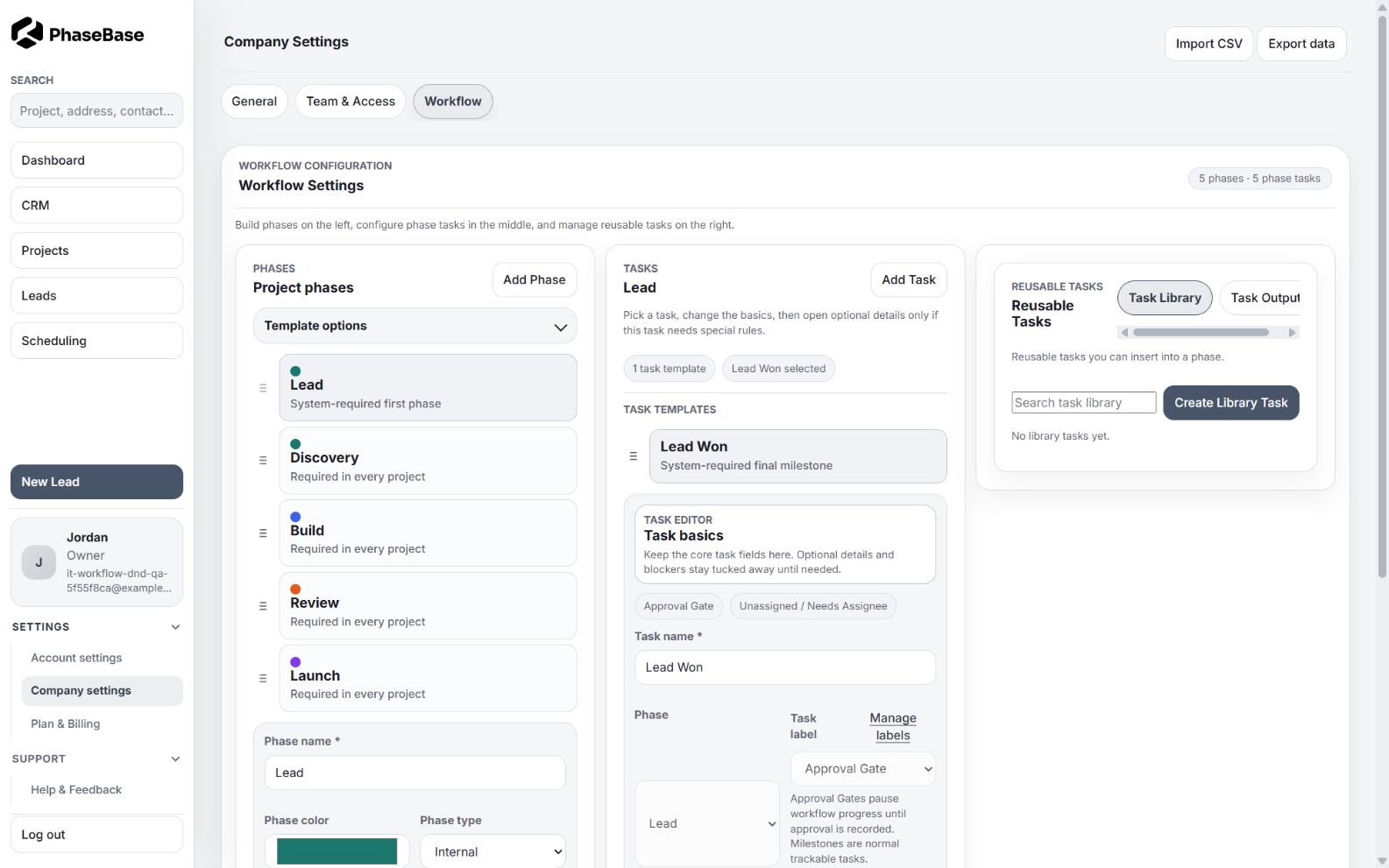
02 / Process structure
Projects begin with a proven way of working.
Workflow templates establish phases, task logic, dependencies, work types, and approval gates before delivery begins.
- Reusable workflow templates
- Project phases and active-phase context
- Task dependencies and blockers
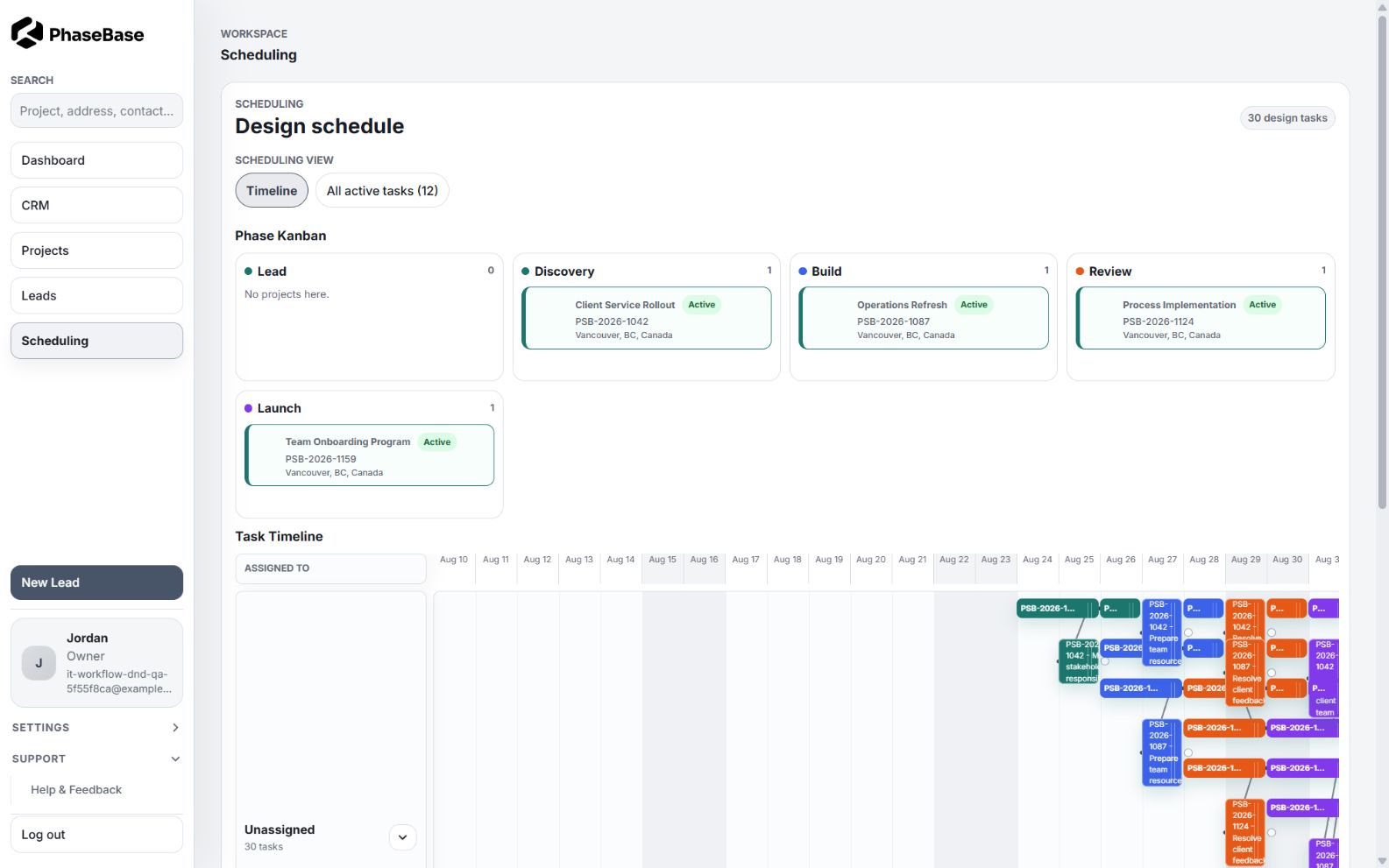
03 / Scheduling
See project phases and task timing in the same window.
Phase Kanban, timelines, assignments, and dependencies show how today’s work connects to the delivery sequence.
- Phase Kanban
- Task and phase timelines
- Assignments and dependency connections
Structure without losing operational control.
Approvals, roles, workspace settings, and theme controls support the operating system around the work. Access stays aligned with responsibility.
Invite members and align permissions with workspace responsibilities.
Manage workflow defaults, appearance, assignments, and company settings.
Apply supported logo and color controls without changing structural usability.

See your own process become the working system.
See how PhaseBase turns SOPs into a working system for projects, people, schedules, approvals, and delivery.